yes | Escrow |
yes | QBCore |
yes | ESX |
yes | Configurables |
yes | Support |
|
|
|
|
|
|
|
|
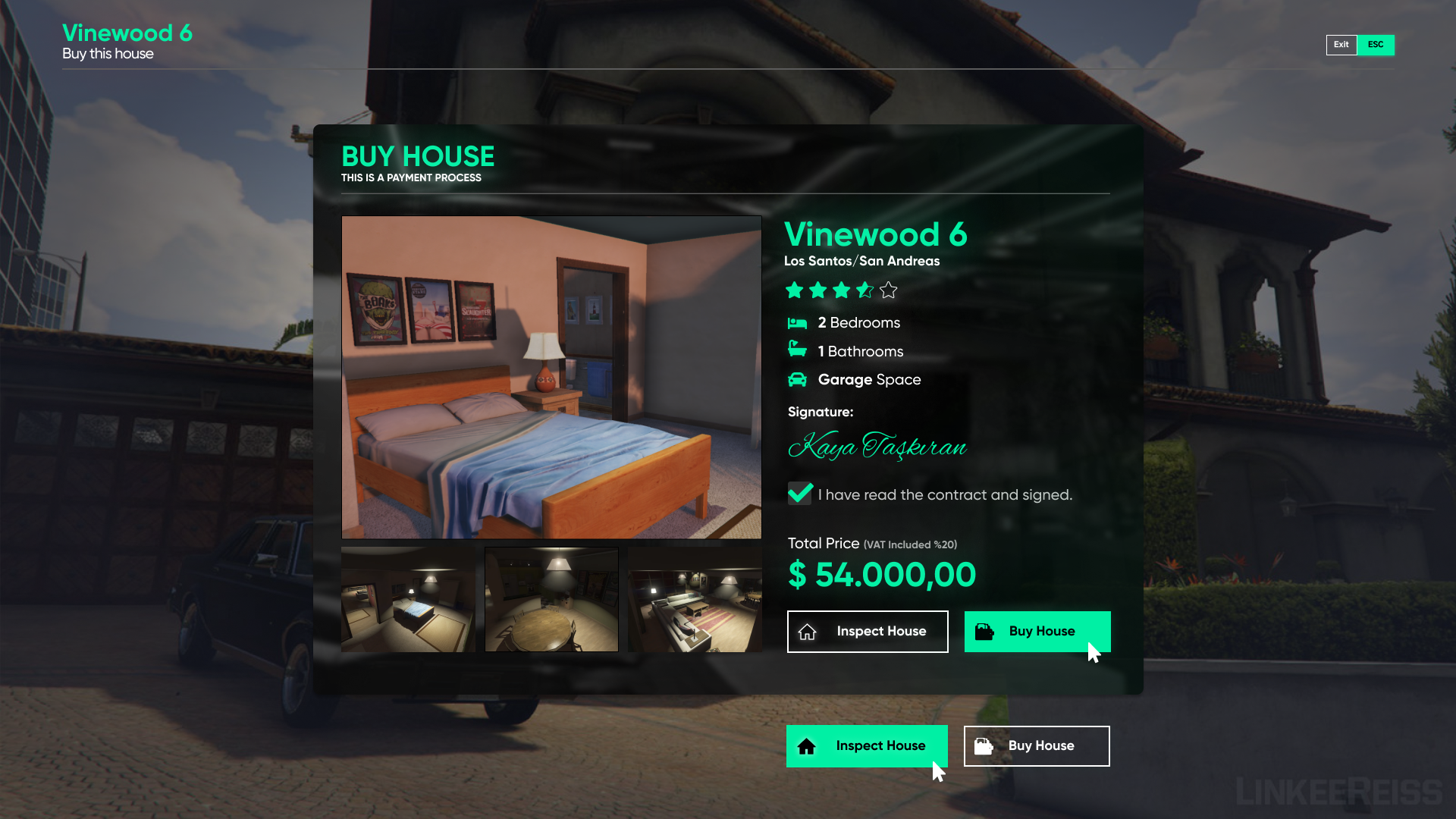
FEATURES
- Supports all QB and all QB versions.
- Client & Server optimized.
- You can translate all the texts in the script into any language you want.
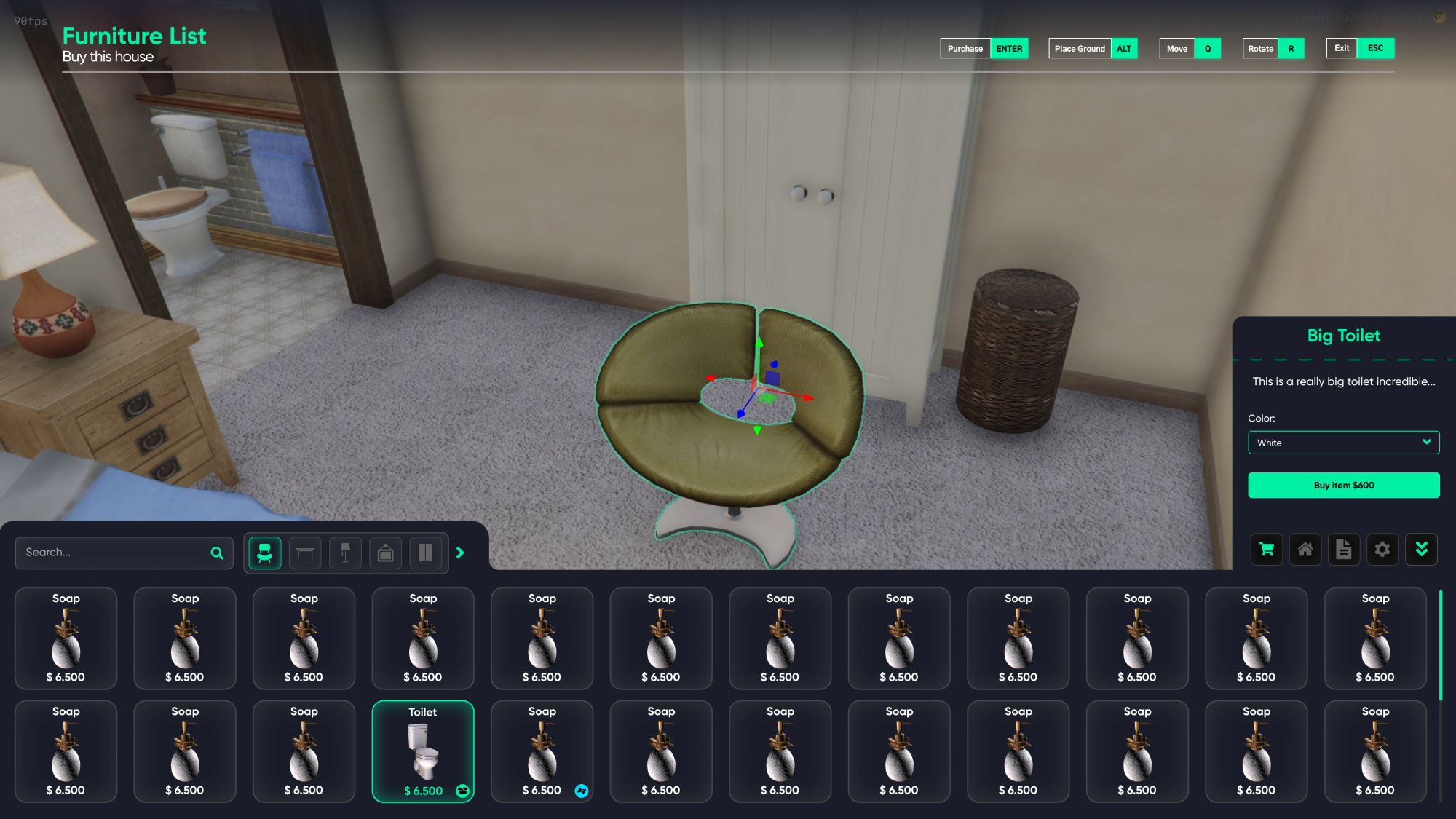
- Decoration system for house and garden.
- Resmon 0.00ms idle, 0.02ms on average.
- It comes with 3 different islands and 14 different building props. (You can place these buildings wherever you want in the game and create a house on top of them and build a house from scratch wherever you want).
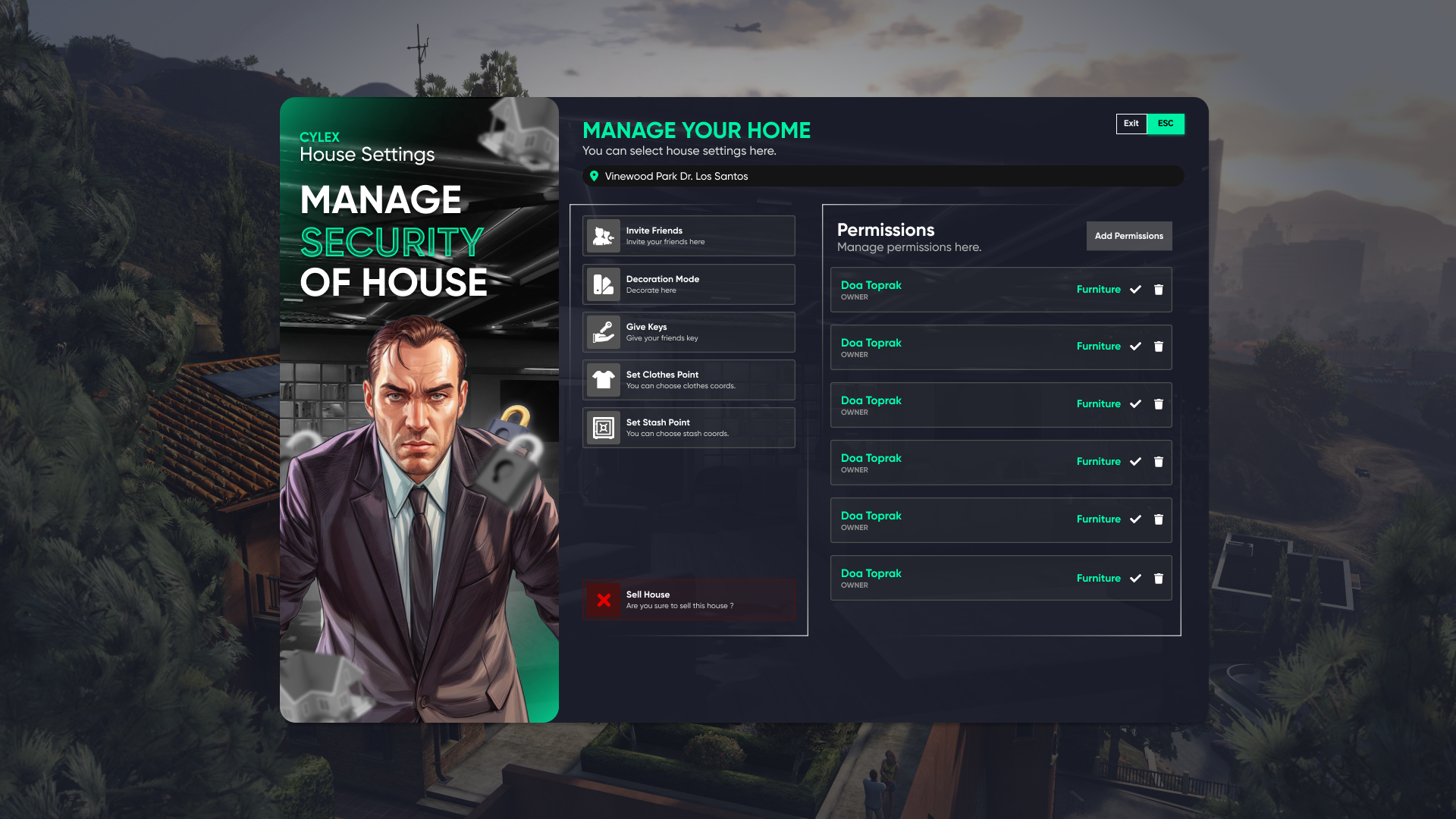
Management Menu
- Invitation system (You can authorize people outside the house to enter/exit the house for 1 minute)
- Key system (You can permanently give a key to the person and give / take the authority to edit furniture)
- Open Decoration Menu
- You can place the stash and saved clothes wherever you want in the house. (Compatible with most inventory and clothes scripts, you can add it yourself via config or I can adapt it for you.)
- You can sell the house. (It gives a part of the house price, you can edit this commission via config)
Creating House
- You can create a house, delete a house, place and delete a building prop with command (You can do these operations either for a profession or for your administrators via config).
- With Polyzone, you can choose the house garden as you want and this area you choose defines the area where the garden props will appear.
- You can put the entrance/exit of the created house anywhere you want in the house.
- You can choose the shells you want with the shells specified via Config and my 10 shell package (you can add/remove new ones via Config)
Decoration Menu
- You can access the decoration menu from the management menu inside the house or outside the house with the command specified on the config (default /editmode).
- You can see the furniture specified on the config with photos (You can add/remove as much new furniture as you want. If you already have pata props, they will be automatically added to the furniture).
- With the My Furniture button at the bottom right, you can see, sell or relocate the furniture you have already placed.
- While moving the furniture, you can rotate it with the R key, put the furniture on the floor with the ALT key, and look around in freecam mode with the right mouse click.
Purchase
The total of the above costs 111€, with the bundle you can get the whole thing for 90€, 20% cheaper!
(When you purchase my props, they will be automatically integrated into house script).